 RefBoard
1,500 Anima artist styles on RunningHub for about ~1-5 coin each
How I rendered 1,500 artist-style tests with Anima on RunningHub Standard: the graph, batching 25 per task, real cost per picture, and the surprise that most styles end up looking alike.
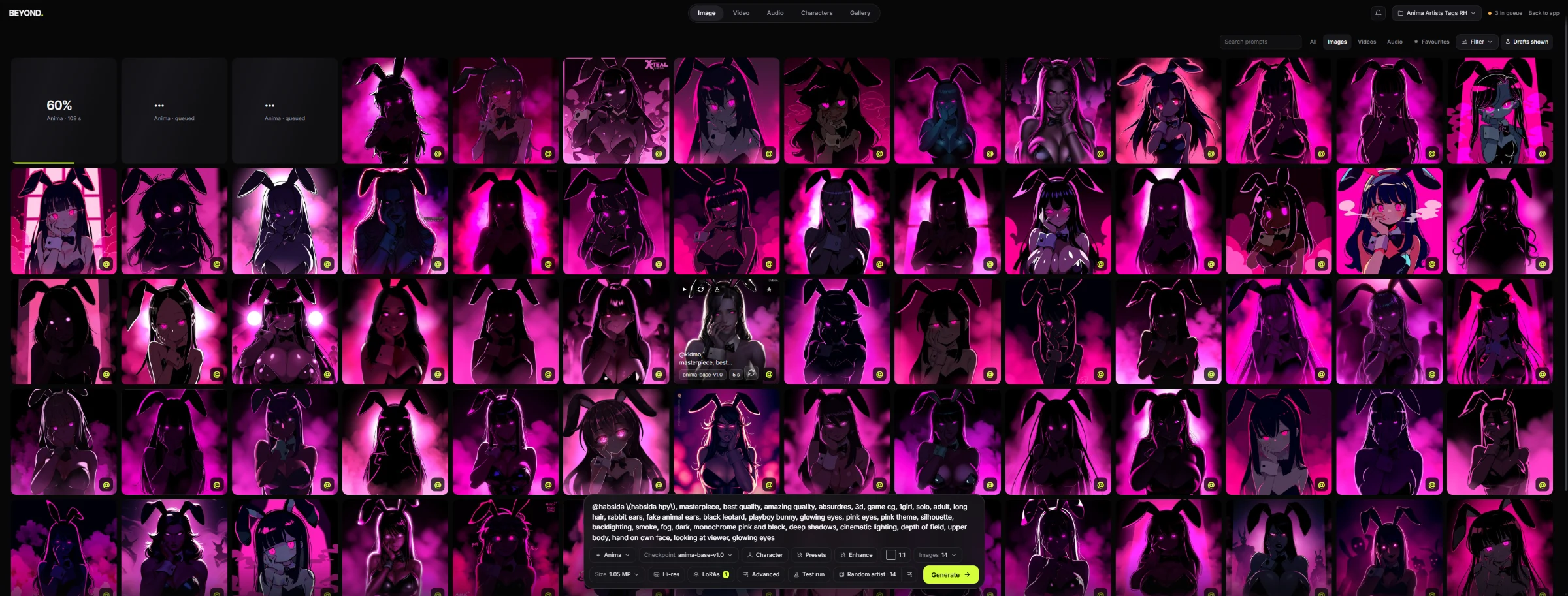
I wanted to see how far Anima's artist tags really go. That meant thousands of test pictures, too slow for one local GPU, so I sent them to RunningHub.
The recipe
| Setting | Value |
|---|---|
| Model | anima-base-202605-v1.0.safetensors (RunningHub's name for Anima base v1.0) |
| Text encoder / VAE | qwen_3_06b_base / qwen_image_vae |
| Speed LoRA | Turbo-ANIMA-v4 from RunningHub's public library |
| Size | 768x1344 |
| Steps / CFG | 8 / 1 |
| Sampler / scheduler | er_sde / simple |
| Tier | Standard |
Same prompt for every picture; only the artist tag changes.
Try it yourself: download the workflow
Download the workflow (.json) Run it on RunningHub
No GPU? The RunningHub version runs in the cloud: open it as a simple app (type a prompt, press run) or launch the full workflow. About 1 RH coin per picture.
Running locally? Drag the file into ComfyUI. Then change only the @artist tag in the prompt and queue again to compare styles.
Not sure which artist to try? Two places, both work: Anima Style Gallery shows 42,000+ artists rendered with the same test prompt (right-click a card to copy its tag), and danbooru lets you look up any artist and use their tag with
@in front.
| You need | Folder |
|---|---|
anima-base-v1.0.safetensors |
models/diffusion_models |
qwen_3_06b_base.safetensors |
models/text_encoders |
qwen_image_vae.safetensors |
models/vae |
| Turbo-ANIMA LoRA | models/loras |
| Anima Style Explorer node (optional) | install through ComfyUI-Manager |
The prompt node is Anima Style Explorer. Without that pack, replace it with a normal CLIP Text Encode: the output is identical.
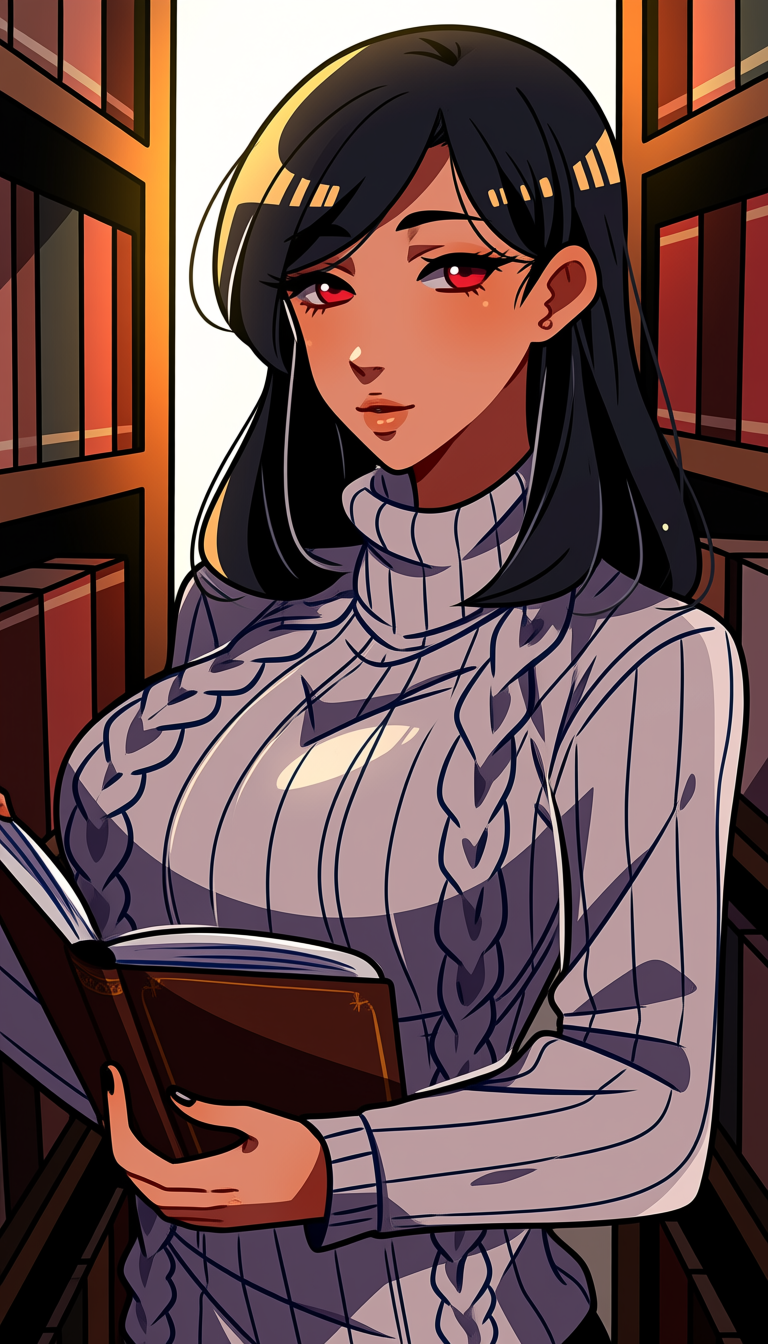
This picture has the workflow inside it too: drag it into ComfyUI to load the same graph. Rendered locally on an RTX 5080 in about 4 seconds.
Where the artists come from: Anima Style Explorer
The artist list for this test came from Anima Style Explorer (fulletLab/comfyui-anima-style-nodes), a free ComfyUI node pack.
- It replaces CLIP Text Encode. Write your prompt, open its visual gallery of artist styles, press Apply Style, and it adds the
@artisttag and sends the conditioning straight to the sampler. - 20,000 artists bundled, each with a work count. I only used artists with at least 300 works: with fewer, the style tends to be weak.
- Auto Cycle keeps queuing renders while it rotates artists, the same idea as this test but inside ComfyUI.
- Works offline. Remote preview images are opt-in.
Style explorer concept by ThetaCursed.
No node? Use the web gallery or danbooru
Anima Style Gallery by Mooshieblob does the same job in your browser, free:
- 42,189 artists on Anima 1.0, every one rendered with the same test prompt, so you compare styles and nothing else.
- Search by tag, sort by number of works or trending, hide artists with few works, or hit Random.
- Right-click a card to copy the tag straight into your prompt. Gen Params shows the settings the gallery used.
danbooru is where Anima's artist tags come from. Search an artist, check their work, and write their tag with @ in front (@huyandere). The post count next to each artist matters: artists with 300+ works give the clearest styles.
Use the gallery to see styles side by side, and danbooru to check an artist or find one the gallery does not show. Both are the easy way to pick artists when you run the workflow somewhere the Explorer node is not installed, like RunningHub.
Batching
- 25 artists per task: one SaveImage branch per artist, each with its own filename prefix so the results can be matched (RunningHub returns them out of order).
- 3 tasks at a time.
- One task took about 125 seconds for 25 pictures.
What it cost
| Batch | Pictures | Coins | Per picture |
|---|---|---|---|
| 1 | 500 | 460 | 0.92 |
| 2 | 500 | 505 | 1.01 |
| 3 | 500 | 529 | 1.06 |
| Total | 1,500 | ~1,494 | ~1.0 |
About 4.5 GPU seconds per picture, and roughly 20 minutes for each 500.
The surprise: styles saturate
I sorted all 1,500 pictures by visual similarity (CLIP ViT-H embeddings) against 530 artists I had already tested locally:
- 61% landed in one look: glossy, pretty, modern anime.
- Only 24 of 1,500 looked unlike anything in the first 530.
So past a few hundred artists, more tags mostly give you the same picture again. If you are hunting for distinct styles, test a few hundred well-known artists rather than thousands.
RunningHub replaces seeds, so these are not same-seed with the local tests. Read the real seed from each PNG's metadata if you want to reproduce one.
Comments
Loading…